Image-based analysis
Submit photos of the plant, leaf, symptom, or insect you observed.
GrowGuard AI Plant ID combines images, user notes, and optional platform context into practical guidance for field work. Results are advisory and should be validated by an agronomic specialist when decisions matter.
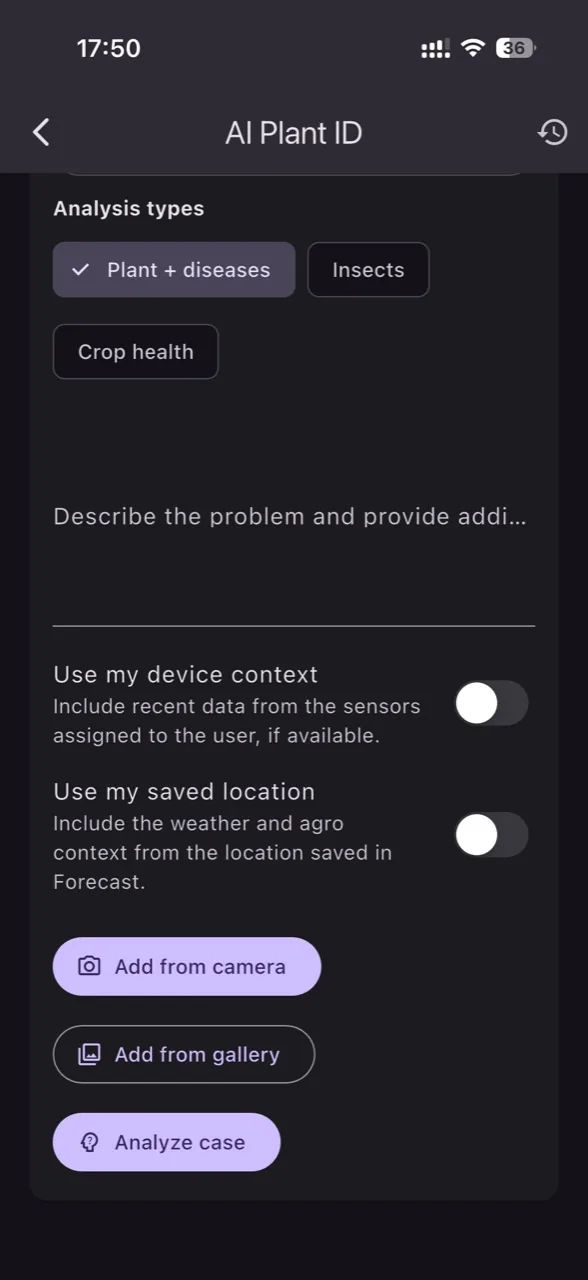
Submit photos of the plant, leaf, symptom, or insect you observed.
Add observations and optional device or saved-location context for clearer results.
Review analyses later and compare episodes or interventions.
AI helps narrow the investigation while the final decision stays with the grower or specialist.
Choose the most relevant image from the crop.
Describe what you see and optionally include GrowGuard context.
Read the analysis, risks, and next steps, then validate in practice.
Install GrowGuard and use AI credits for your first analyses.
No. Results are advisory and may contain errors; important decisions should be validated by a specialist.
Images, notes, and optional user-selected context such as device or saved location.