TTN API import
Connect an existing TTN application and synchronize devices into GrowGuard.
GrowGuard is built for farms that already have sensors or want to combine multiple technologies. Use TTN API import, Helium through MeteoScientific, MQTT flows, and compatible devices without switching dashboards per vendor.
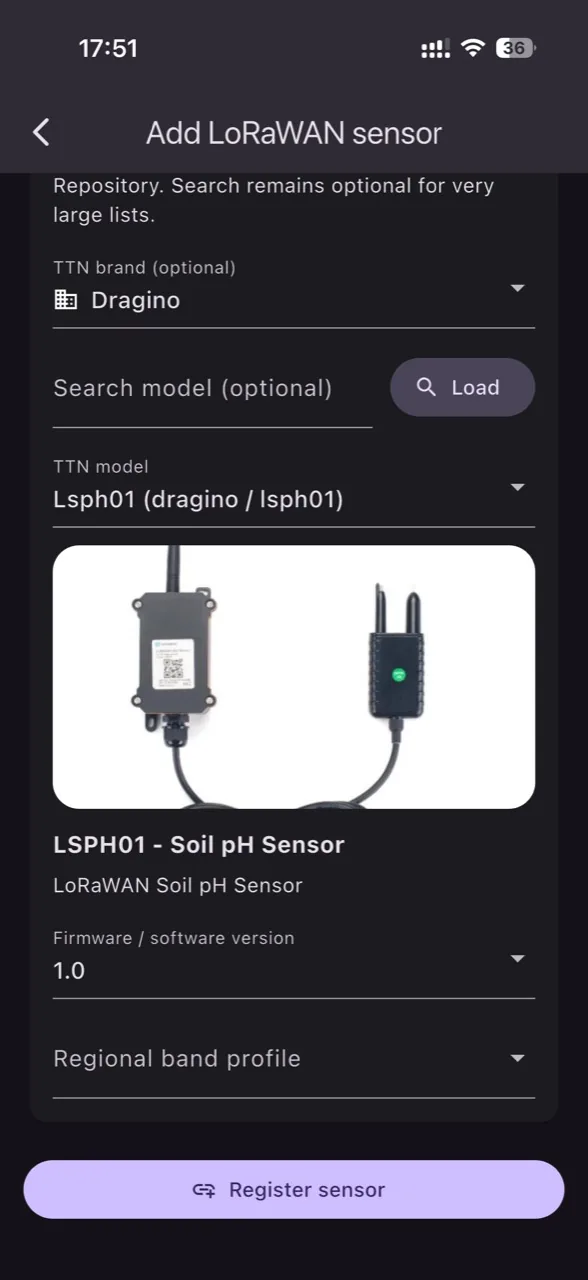
Connect an existing TTN application and synchronize devices into GrowGuard.
Track temperature, humidity, battery, EC, pH, soil moisture, and soil temperature where available.
Name devices clearly for the team, crop, and real location.
Share access by users, devices, and available menus.
Before enabling a Helium sensor, check whether your area has IoT coverage on the official Helium map. Without nearby gateways, readings may be delayed or missing.
Use LoRaWAN, Helium, NB-IoT, LTE, or MQTT depending on coverage and power needs.
Use TTN import, Helium/MeteoScientific integration, MQTT topics, or supported onboarding for compatible devices.
All readings land in one dashboard with alerts, history, and map context.
Browse compatible sensors or install GrowGuard.
Yes, GrowGuard can import devices from an existing TTN application by API when the configured flow is compatible.
Yes, GrowGuard can work with MQTT flows and dynamically interpreted payloads depending on configuration.